 Removeto
Add a few photos of your product from different angles to get started.
Drag & drop photos here, or click to add files
At least 2 angles of the same product
Generating 3D model…
Drop a single product photo to remove its background. Better than 3D for transparent, reflective, or flat items.
Drag & drop a photo here, or click to choose a file
Removing background…
Tips for a cleaner background removal next time:
How it works
3D Model
-
1
Add your photos
2 or more angles of the same product.
-
2
AI builds your 3D model
TRELLIS fuses your photos into a real, rotatable mesh.
-
3
Choose a background
Upload your own, or describe one and AI generates it.
-
4
Download the result
Your 3D render, composited onto the background and ready for your listing.
Background Remover
-
1
Add your photo
Just one product photo is enough.
-
2
AI removes the background
A clean cutout in a couple of seconds.
-
3
Choose a background
Upload your own, or describe one and AI generates it.
-
4
Download the result
Your product, composited onto the background and ready for your listing.
Which mode should I use?
3D Model
Upload photos from a few different angles and get back an actual 3D mesh you can rotate and view from any side. Best for solid, opaque products — packaging, figures, boxes — where the surface looks the same from multiple angles. It won't work well for transparent, glass, or highly reflective items, since 3D reconstruction depends on consistent surface appearance across views.
Background Remover
Drop a single photo and the background is removed instantly — no true 3D, but much faster, and it handles products that trip up 3D reconstruction: transparent acrylic cases, glass, shiny or reflective surfaces, or anything you only have one photo of.
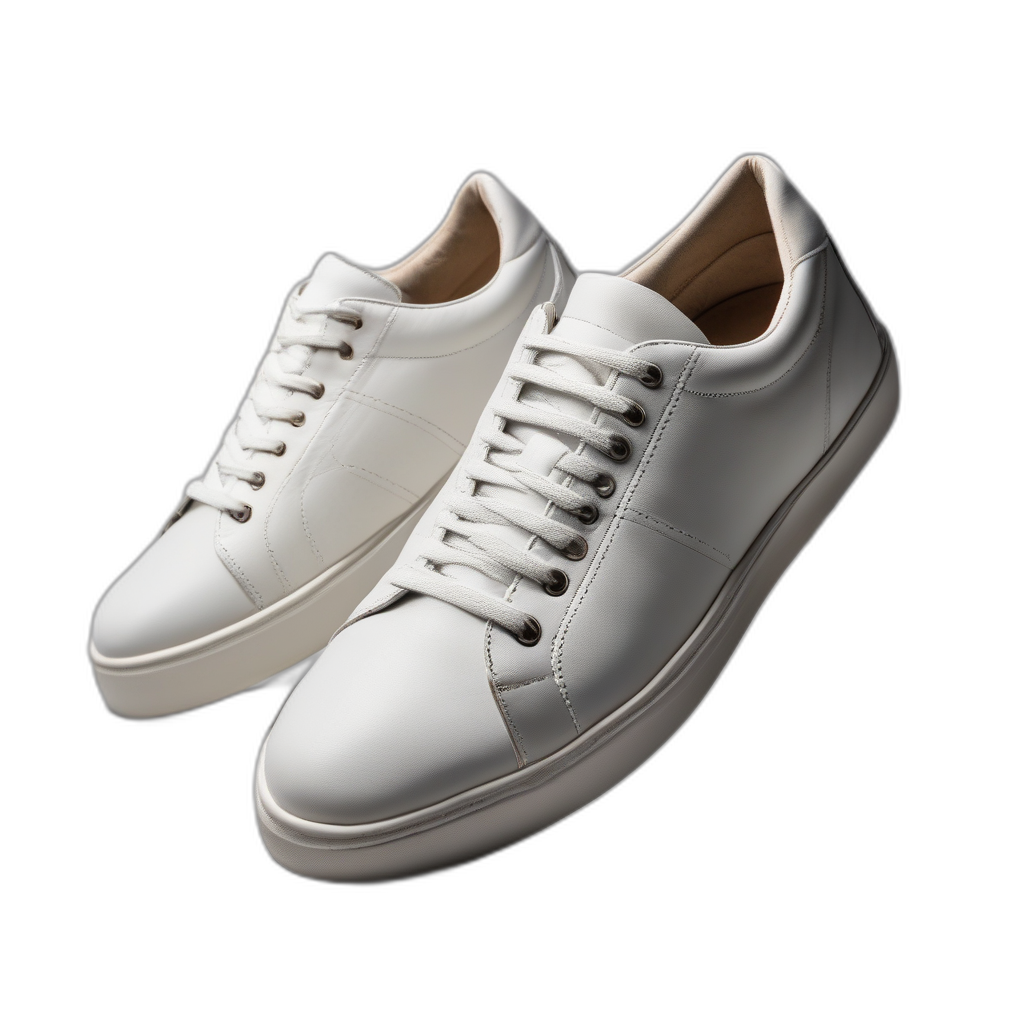
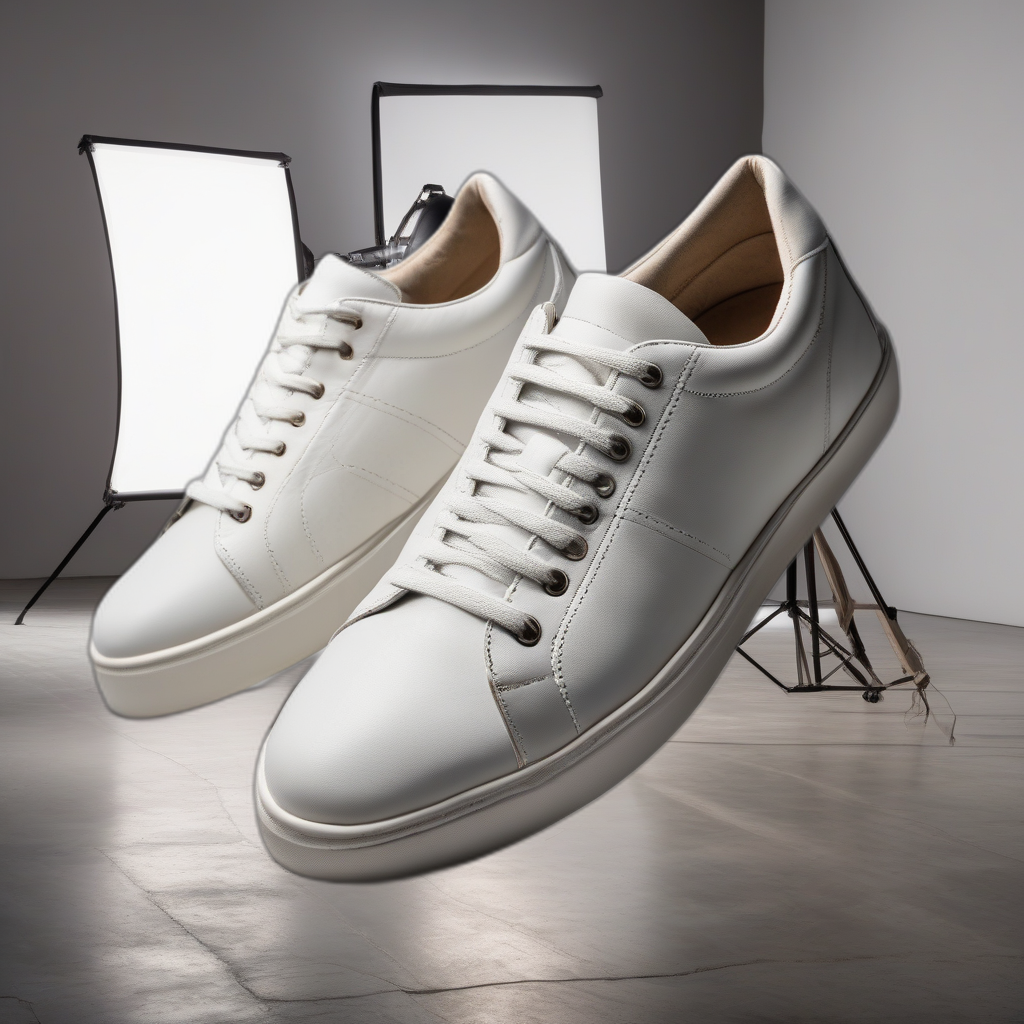
See a real example
Actual output from the app, not a mockup — a Background Remover result, placed onto a backdrop the AI generated from a text description.
Frequently asked questions
Do I need any design experience?
No. Drop a photo in and the app builds a 3D model or removes the background automatically - no Photoshop or design skill needed.
Does my product photo ever leave my computer?
No. Every AI model - 3D reconstruction, background removal, background generation - runs locally on your own GPU, so your photos are never uploaded anywhere to be processed.
What computer do I need to run it?
A Windows PC with a capable NVIDIA GPU. It's a local application, not a cloud service.
Is Removeto3D really free?
The Free plan includes 3 credits every month, enough to try both modes on a real listing. Paid plans remove the watermark and add more monthly credits.