 Removeto
Why photographers use it
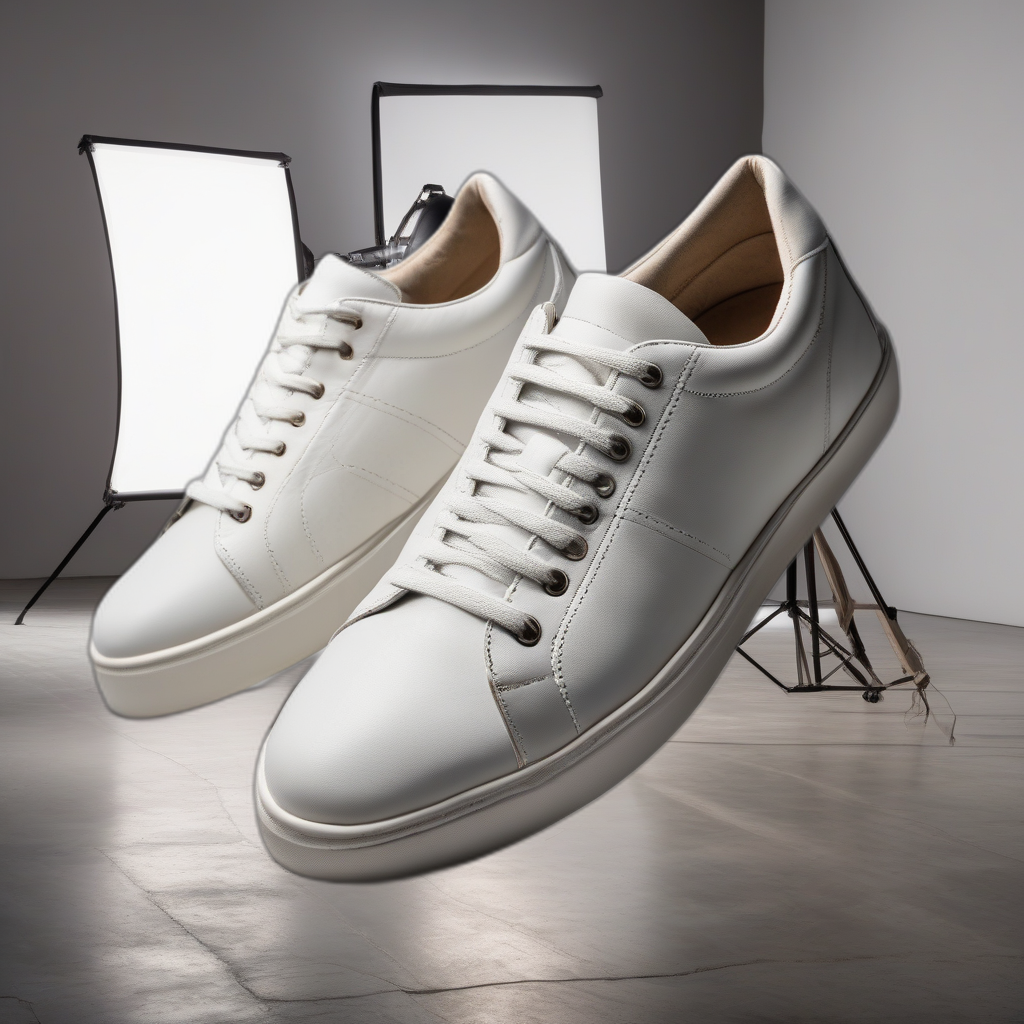
Swap backgrounds after the shoot
A client wants a different backdrop after you've already delivered? Change it on the photos you have instead of re-lighting and re-shooting a new set.
Catch issues before the client does
Built-in quality checks flag rough background-removal edges or a flat-looking 3D model, so you can reshoot a problem angle before it goes out, not after.
Client work stays private
Unreleased product photos and client work never leave your machine - nothing is uploaded to a third-party cloud service to process.
See a real example
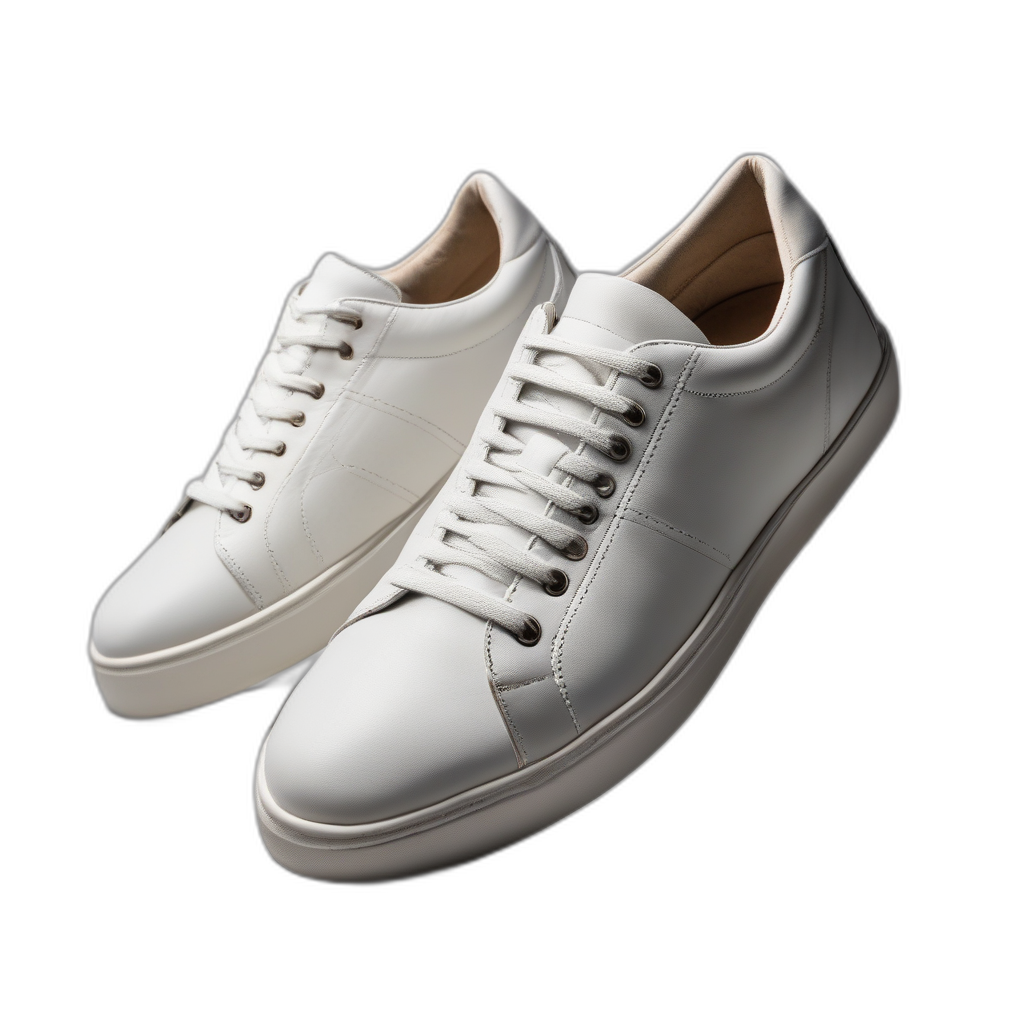
Actual output from the app, not a mockup — a Background Remover result, placed onto a backdrop the AI generated from a text description.
Getting started
For regular client work, Pro's 200 credits a month covers a steady stream of jobs without watching a counter on every session. Occasional or trial use fits comfortably on Free or a Pay-as-you-go top-up.
View plansQuestions from photographers
Can I edit a client's delivered photos without reshooting?
Yes - swap the backdrop on photos you've already shot instead of re-lighting and re-shooting a new set.
Does it work as a quality-control check?
Built-in checks flag rough background-removal edges or a flat-looking 3D model automatically, so you can catch and fix an issue before delivering it to a client.
Is client work kept private?
Yes. Everything runs locally on your own machine - client photos are never uploaded to a third-party cloud service.