 Removeto
Why businesses use it
One consistent look, every time
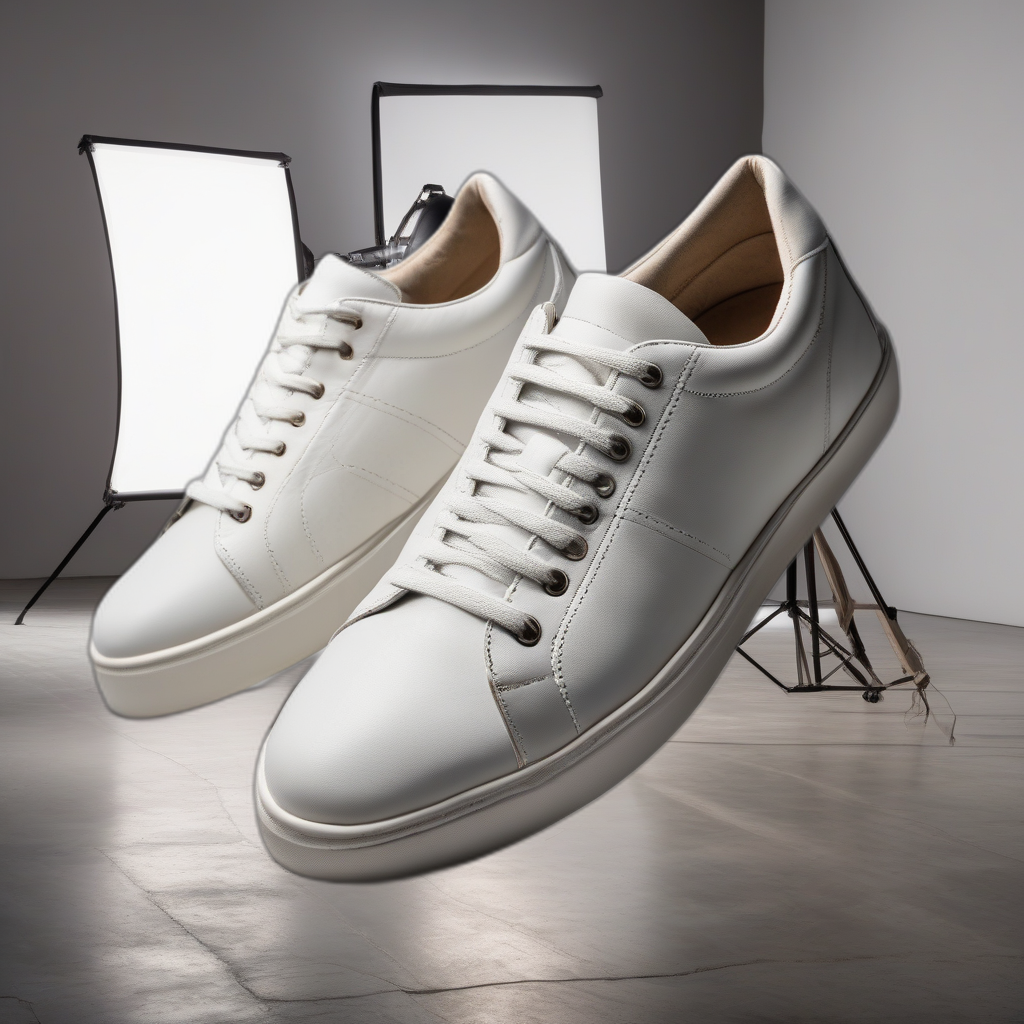
Describe your backdrop once - "white studio backdrop with soft shadows" - and reuse the same prompt across your whole catalog, so every listing matches instead of looking like it came from a different photo shoot.
No reshoots for a new backdrop
Want to try a seasonal background, or match a marketplace's style guidelines? Swap it on photos you've already taken - no new shoot, no new samples to send anywhere.
Real 3D models, not just background removal
Give shoppers an actual rotatable view of solid, opaque products - packaging, figures, hardware - a premium touch most sellers skip because it usually means a specialized 3D scanning service.
Private by default
Photos of an unreleased product never leave your machine - there's no upload to a third-party cloud service before launch day.
See a real example
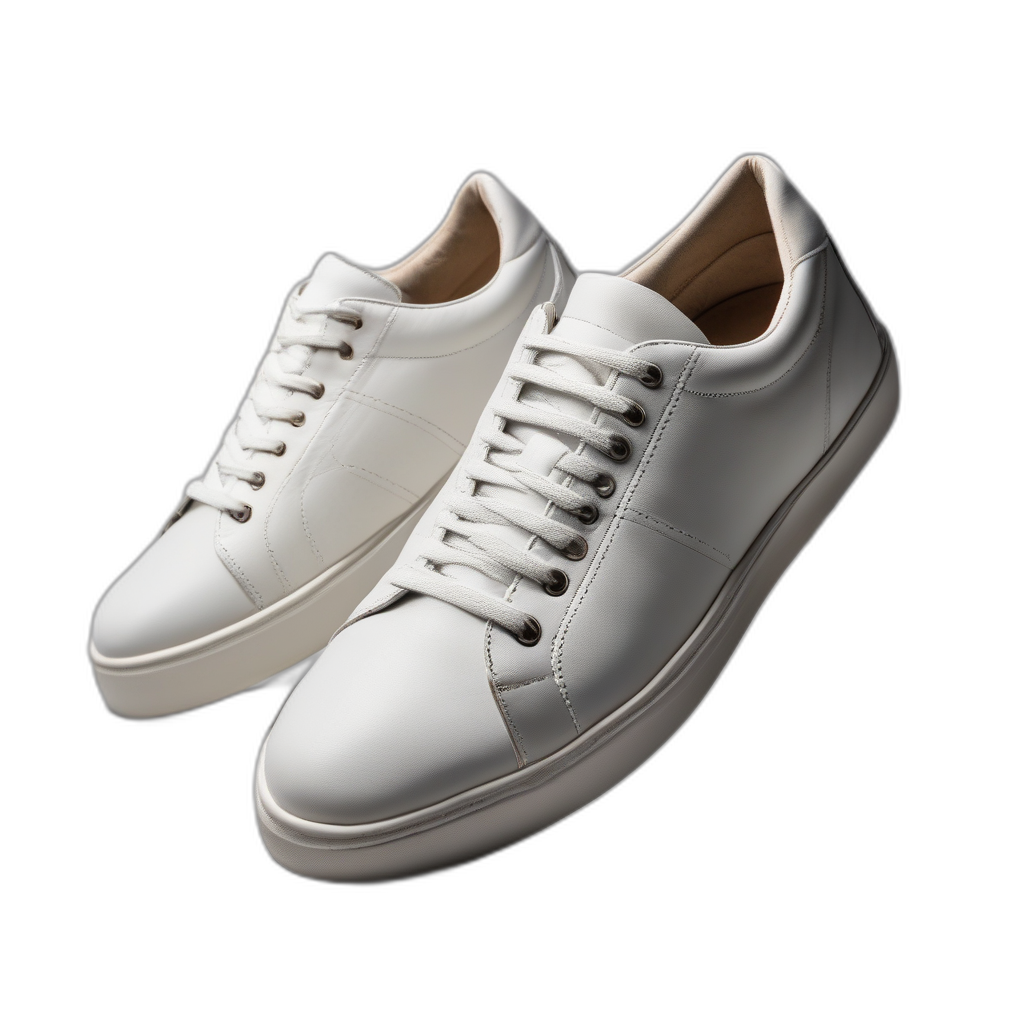
Actual output from the app, not a mockup — a Background Remover result, placed onto a backdrop the AI generated from a text description.
What you'll need
Removeto3D runs locally on a Windows PC with a capable NVIDIA GPU - not a hosted service, so there's no per-seat cloud subscription and no photos uploaded anywhere until you choose to. For regular catalog work, the Pro or Volume+ plan's monthly credits are usually the better fit than starting on Free.
View plansQuestions from businesses
Can I use the same backdrop across my whole catalog?
Yes. Save the prompt you used - "white studio backdrop with soft shadows" - and reuse it for every product so your listings stay visually consistent.
Does this replace a product photographer?
For a lot of catalog work, yes - especially reshoots and backdrop variations. For hero shots or complex products, many businesses still combine both.
Which plan is right for a business?
Pro (200 credits/month) fits regular catalog updates. Volume+ (500 credits/month) suits larger catalogs or agencies handling multiple sellers.